Beifahrer

Beifahrer

by Pascal Garber

All download options

1Bridge

The MCP server your coding agent connects to. Every setup needs it.

2Browser extension

Beifahrer's half inside the browser. Pair it with the bridge using the token the bridge shows.

3Desktop window

Optional. Shows which agent sessions run, which browsers hang on them, and the pairing token to paste.

All releases on GitHub

Let AI use your browser

Beifahrer lets an AI agent work in your own browser, with your own sessions and the tab you are looking at, instead of in a separate automated one.

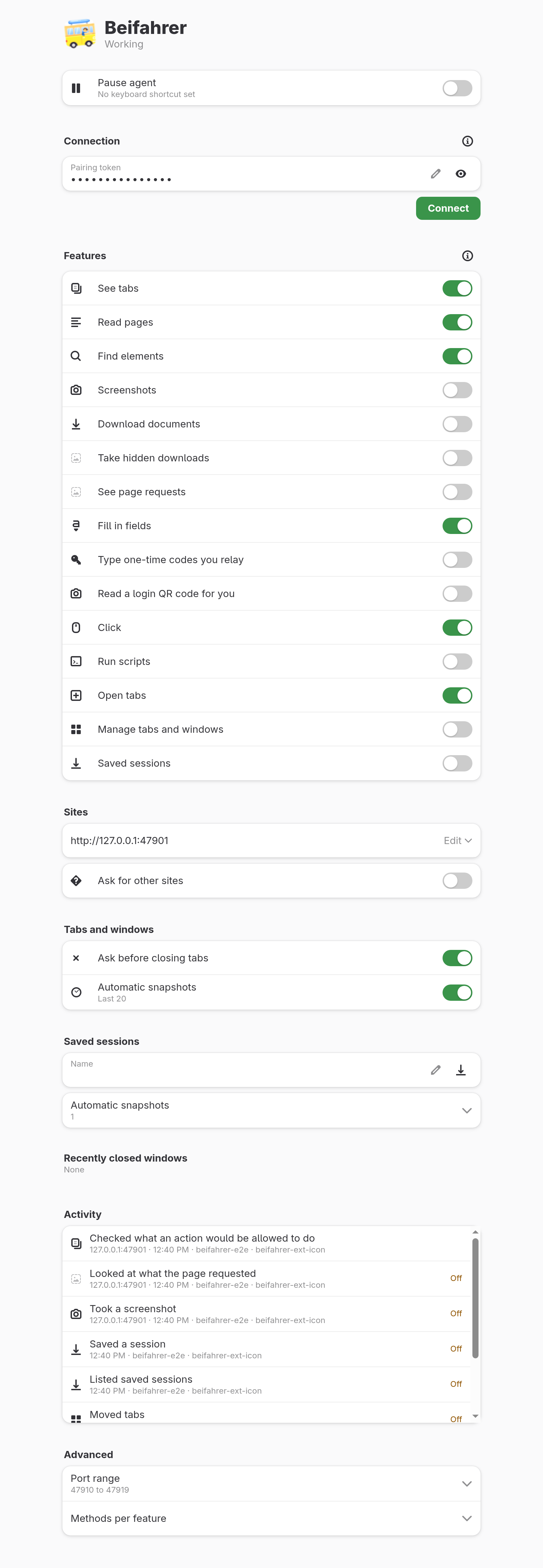
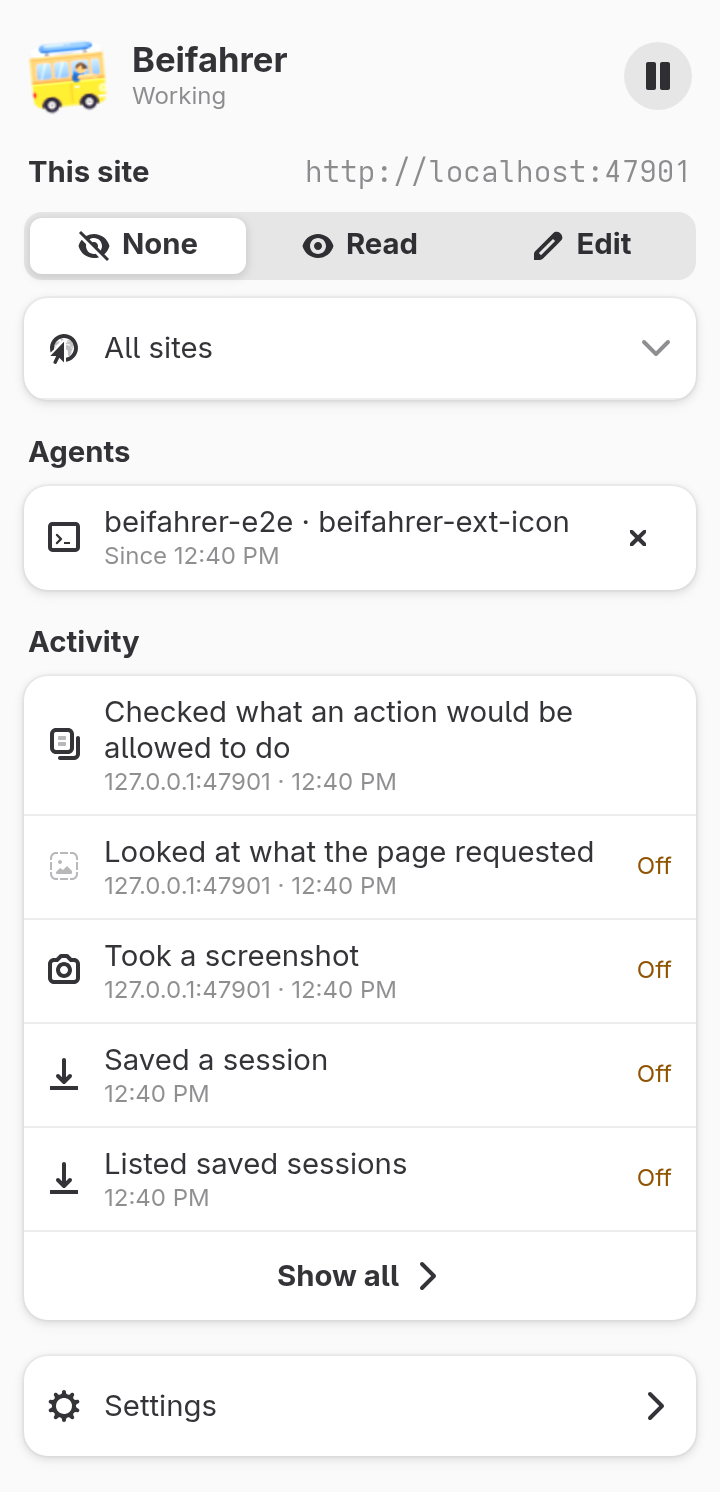
A browser extension talks to a local MCP bridge. Every site is covered by a policy you set, and anything the policy does not allow is refused.

  • Works in Firefox and Chromium-based browsers
  • Per-site policy: allowed, ask first, or forbidden
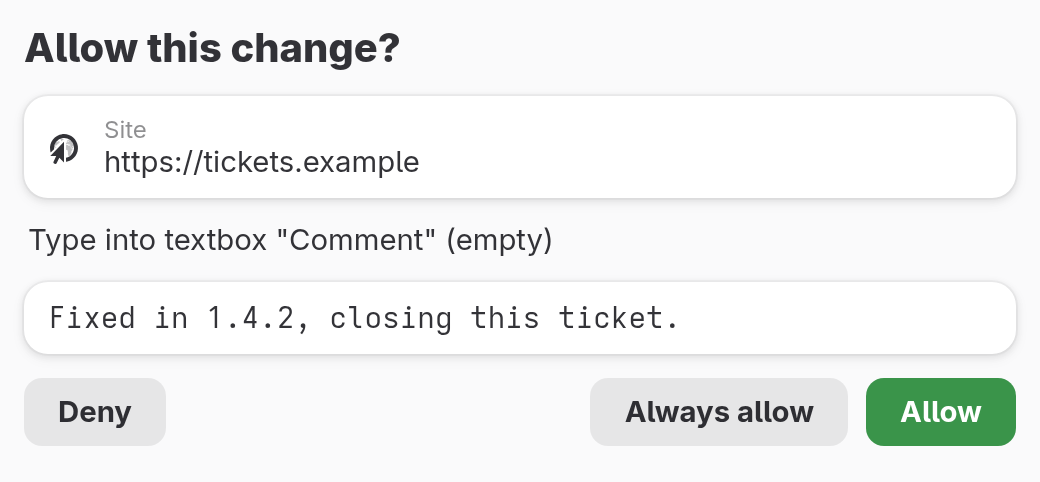
  • Confirmation prompts for actions you have not pre-approved
  • Local only: the bridge runs on your machine

Changes in version 0.1.13

  • Reading a page works again after the first call in the same tab
  • Long warnings and row titles in the extension wrap instead of being cut off
Older releases

Changes in version 0.1.12

  • The desktop app now also runs on Windows and macOS
  • Agents can download a file a page links to and see whether it finished
  • Clicking a file link downloads it once instead of twice
Changes in version 0.1.11

  • New app and extension icon: a VW bus instead of the sparkles
  • About dialog with a Support link

Changes in version 0.1.5

  • Scripts get their own switch in the per-site policy, and you can stop script prompts
  • New beifahrer doctor command to check the setup
  • Desktop app: Browser and Agent pages with the pairing token and connect snippet
Support this project

Keywords

  • browser
  • AI
  • MCP
  • agent
  • automation

Architectures

  • x86_64
  • arm64