
Changes in version 0.1.4
The Flatpak bundle on the GitHub release page includes ERiC, so validating and submitting a return through ELSTER works from that download too.
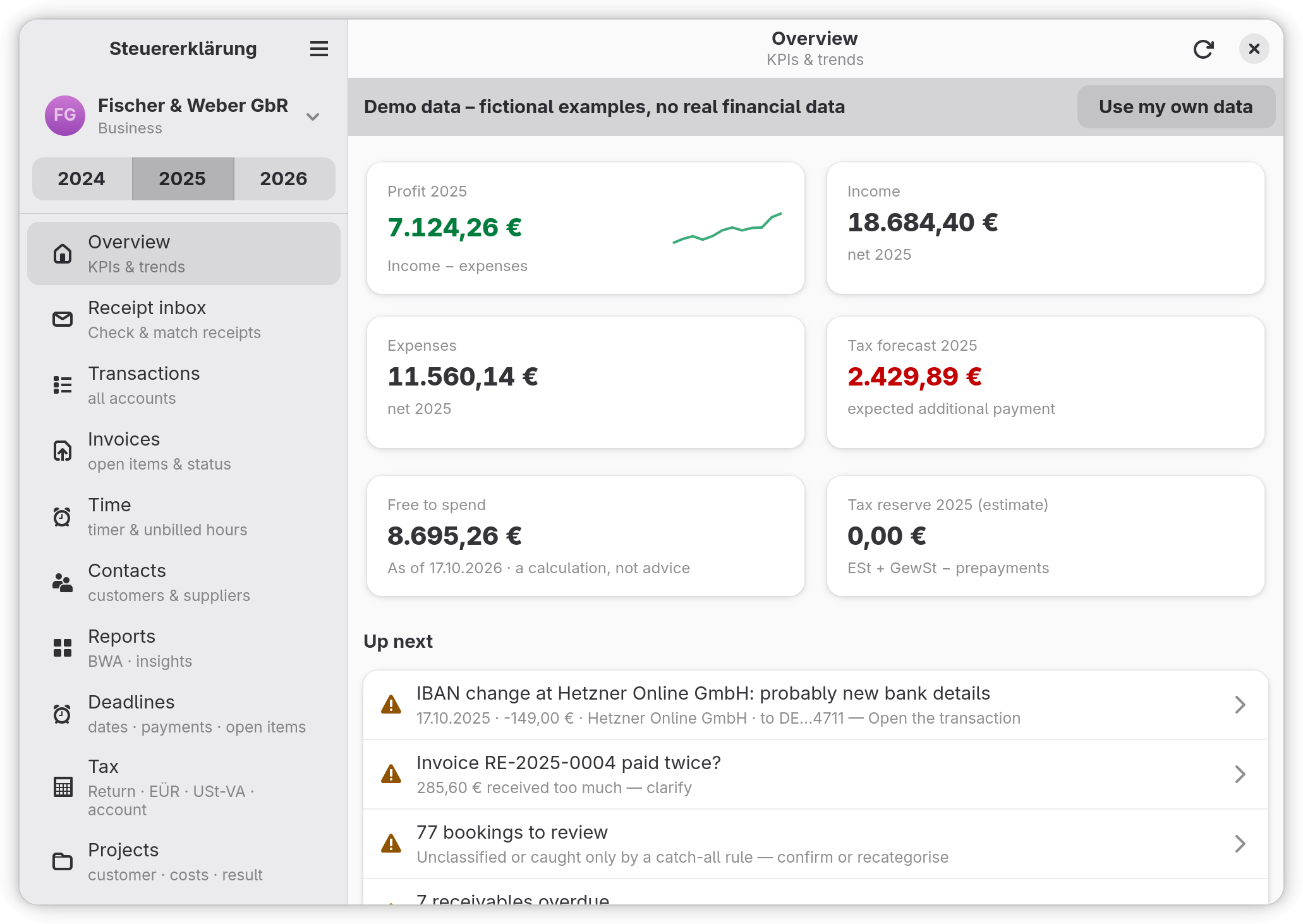
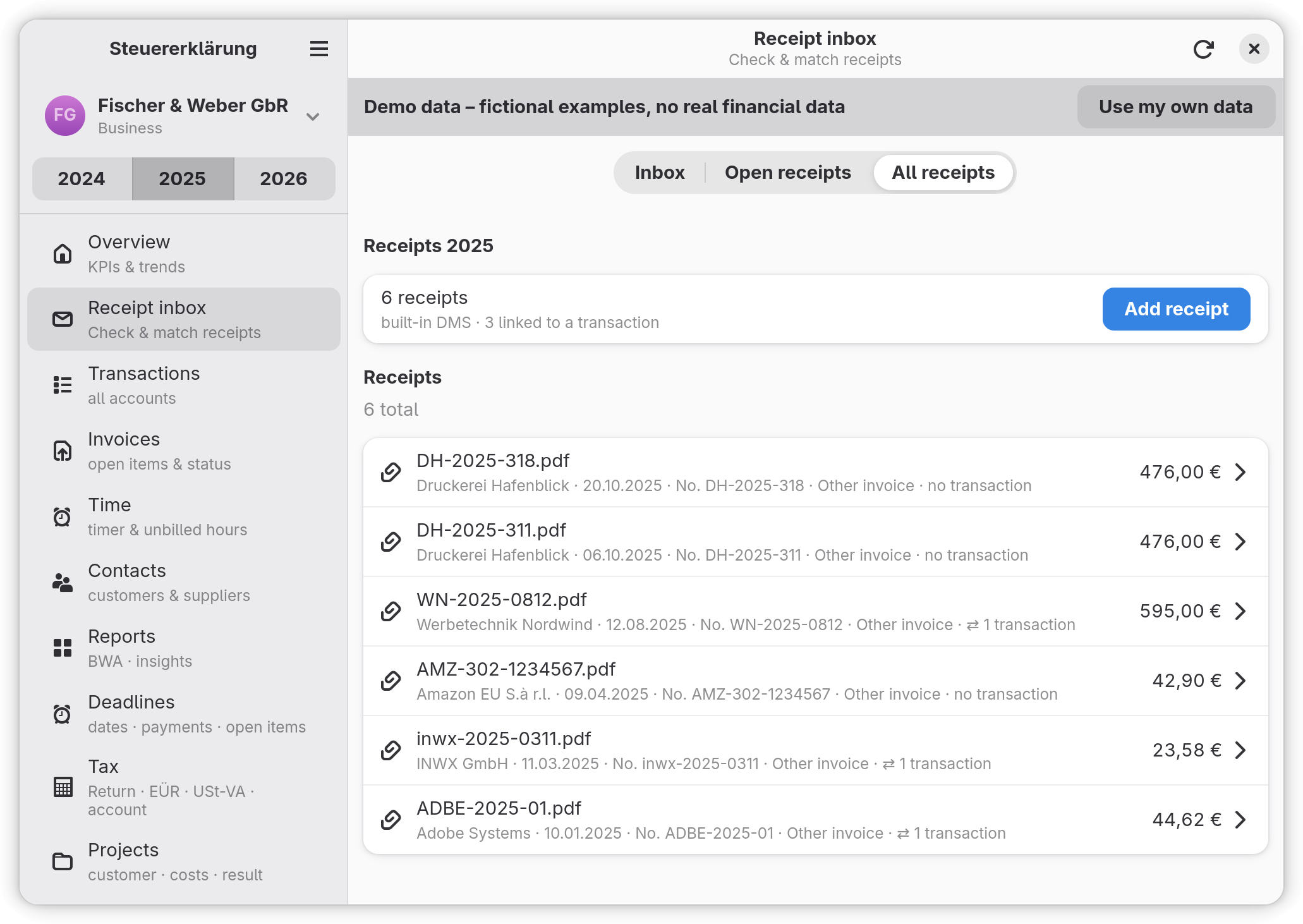
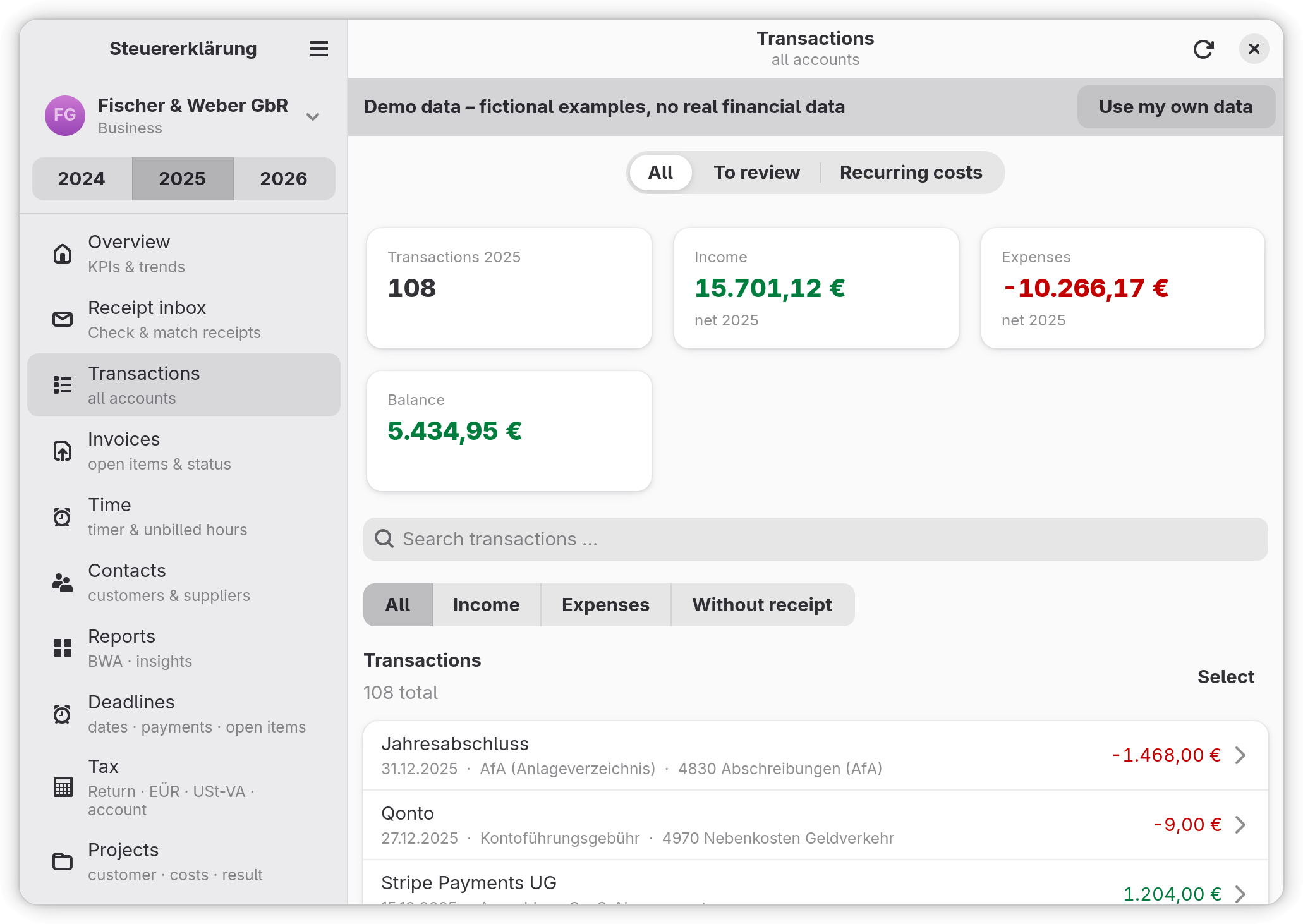
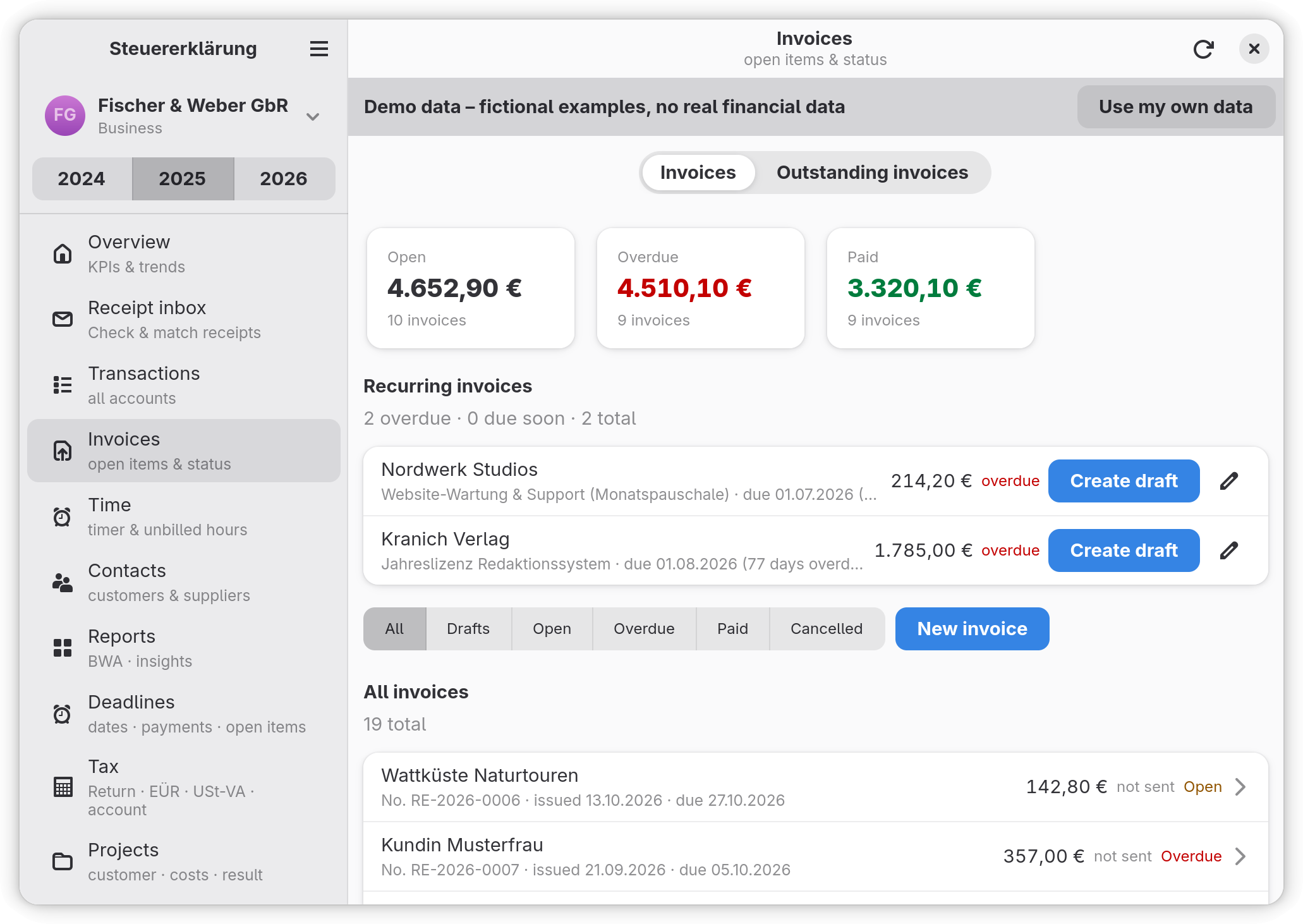
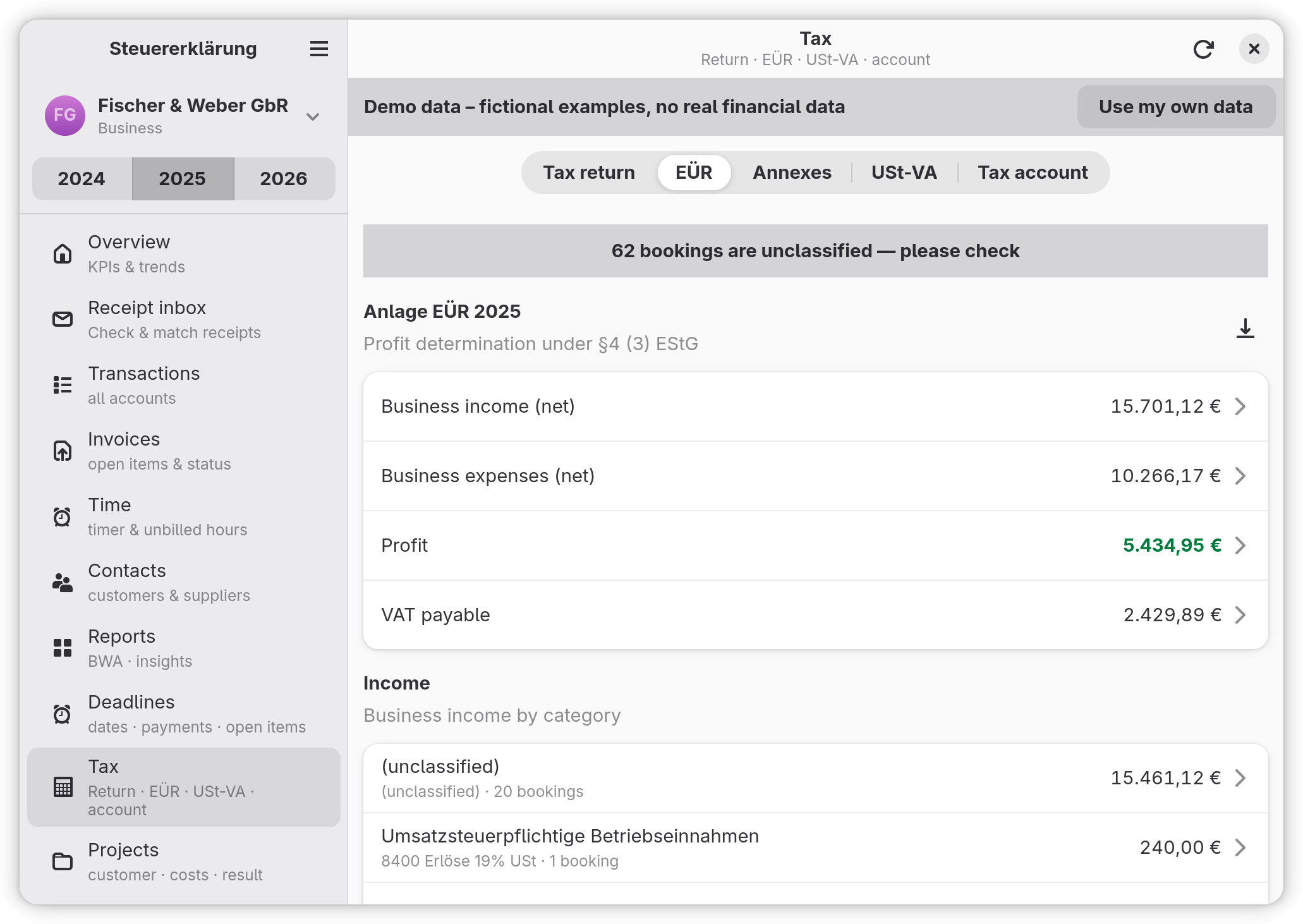
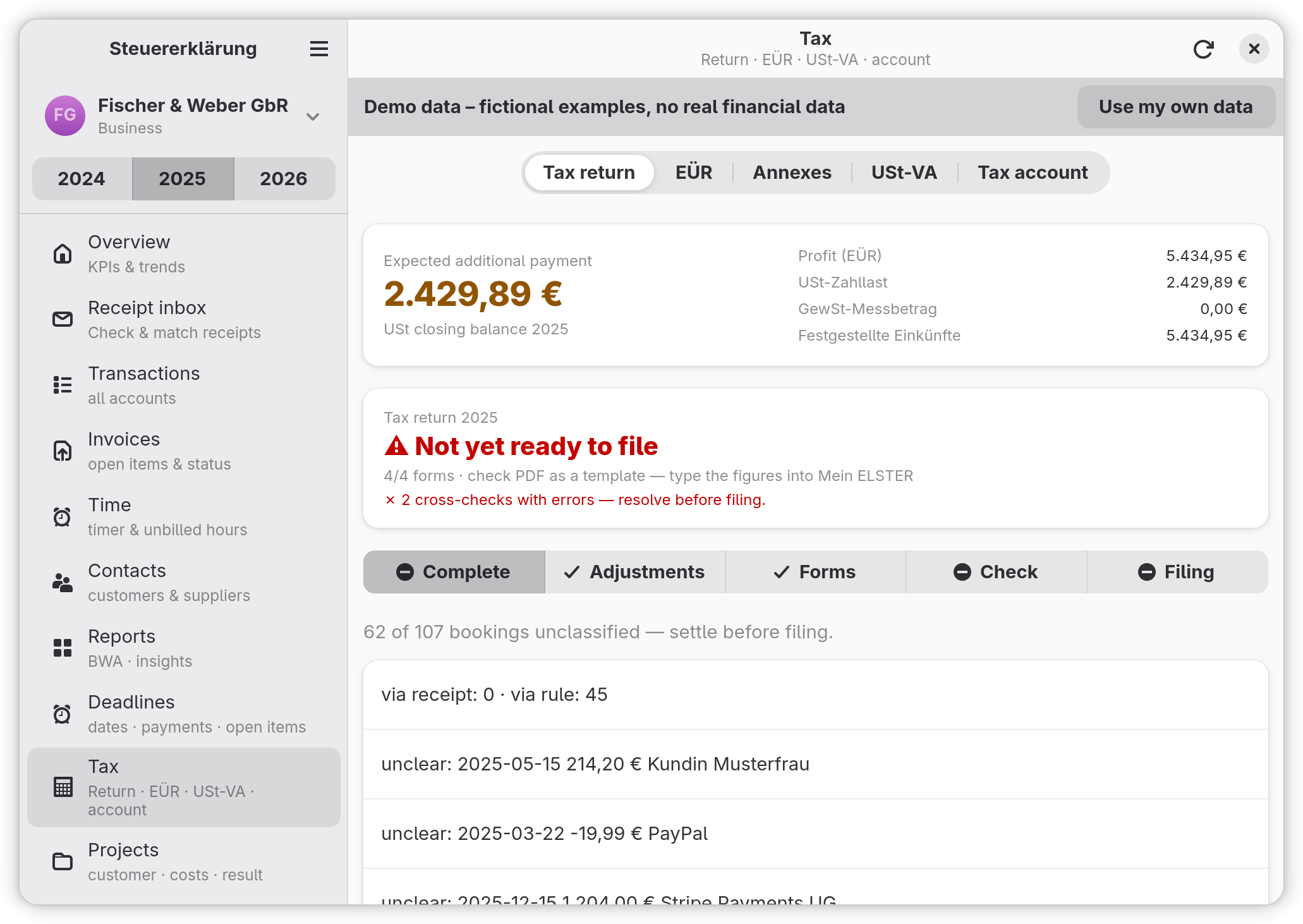
Receipts, transactions and invoices in one place. From them the app computes the income-surplus statement (EÜR), the VAT returns, trade tax and the separate assessment for partnerships, and files them through ELSTER.
It runs on your machine: your bank data and documents stay in a local store. Every figure can be traced back to the transaction it came from.
AI is optional: everything works without it. If you want help from an AI assistant, switch on the built-in MCP server and connect the assistant of your choice. It can read your books and, only if you allow it, make changes.
The tax logic follows German law, so the interface keeps the official German terms. The app is a preparation aid, not tax advice.
The README now names which parts of the app are written with AI. The Flatpak from Flathub comes without ERiC: export the return as XML and upload it in Mein ELSTER.
The Flatpak bundle on the GitHub release page includes ERiC, so validating and submitting a return through ELSTER works from that download too.
Restarting into the demo workspace works on macOS again, and the Flatpak builds with the current assistant libraries. The AI assistant stays switched off in this release.
The AI assistant is optional and can be connected through the built-in MCP server — every provider supported by Lotse can be used, and free hosted models stay refused. The Linux packages ship their database libraries and the Flatpak carries the demo workspace, so install and first run work out of the box.
Commands work in the installed app on Windows and macOS, Back up now no longer opens a second window, and error messages follow the interface language.
First public release: receipts, transactions and invoices, the EÜR and VAT returns, and filing through ELSTER.