
Changes in version 0.8.3
The examples page lists the example programs again.
Learn 6502 now runs on GNOME 51.
The SBC instruction now subtracts correctly with zero page addressing. Thanks to jeremyw-gh for the fix.
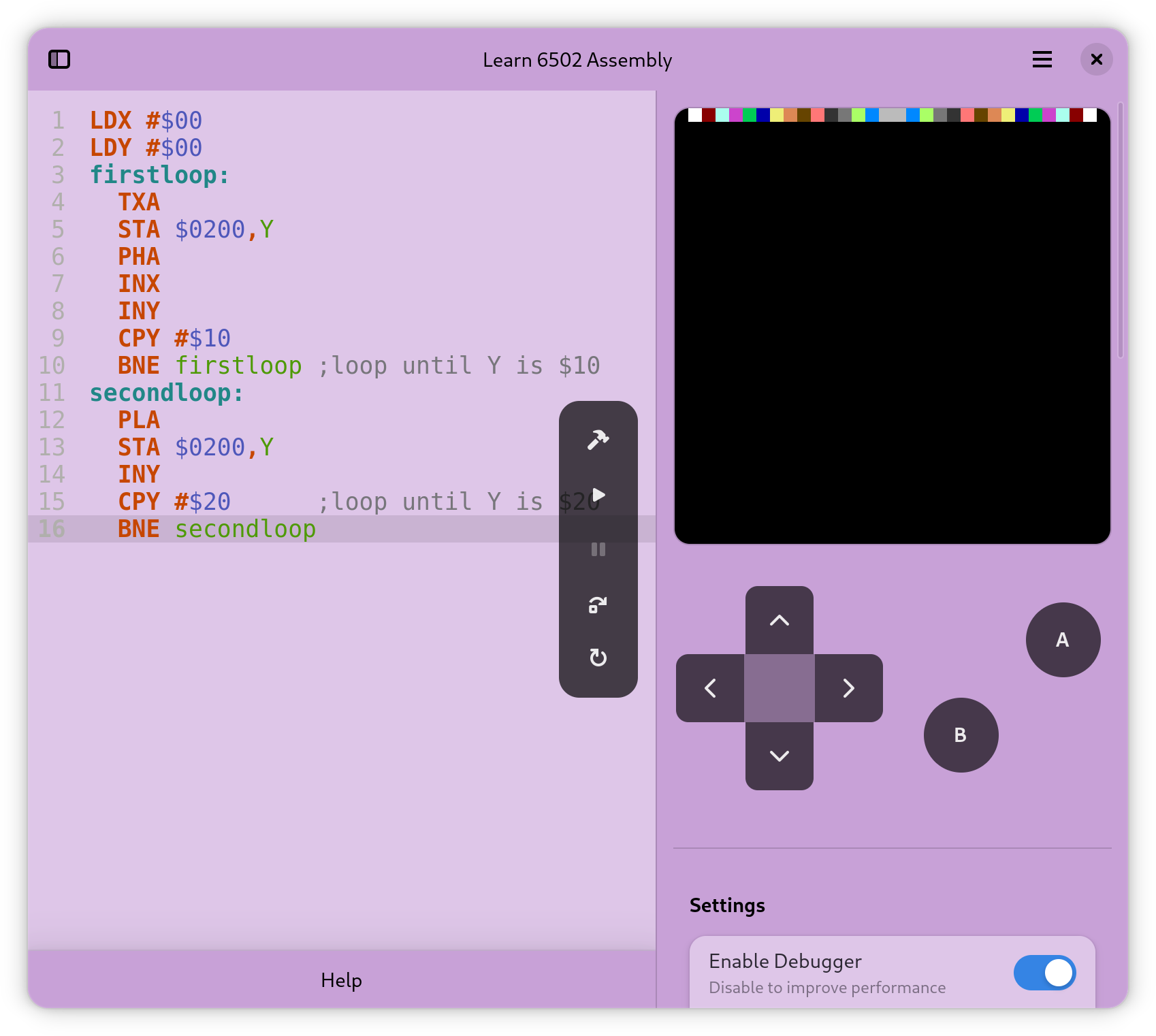
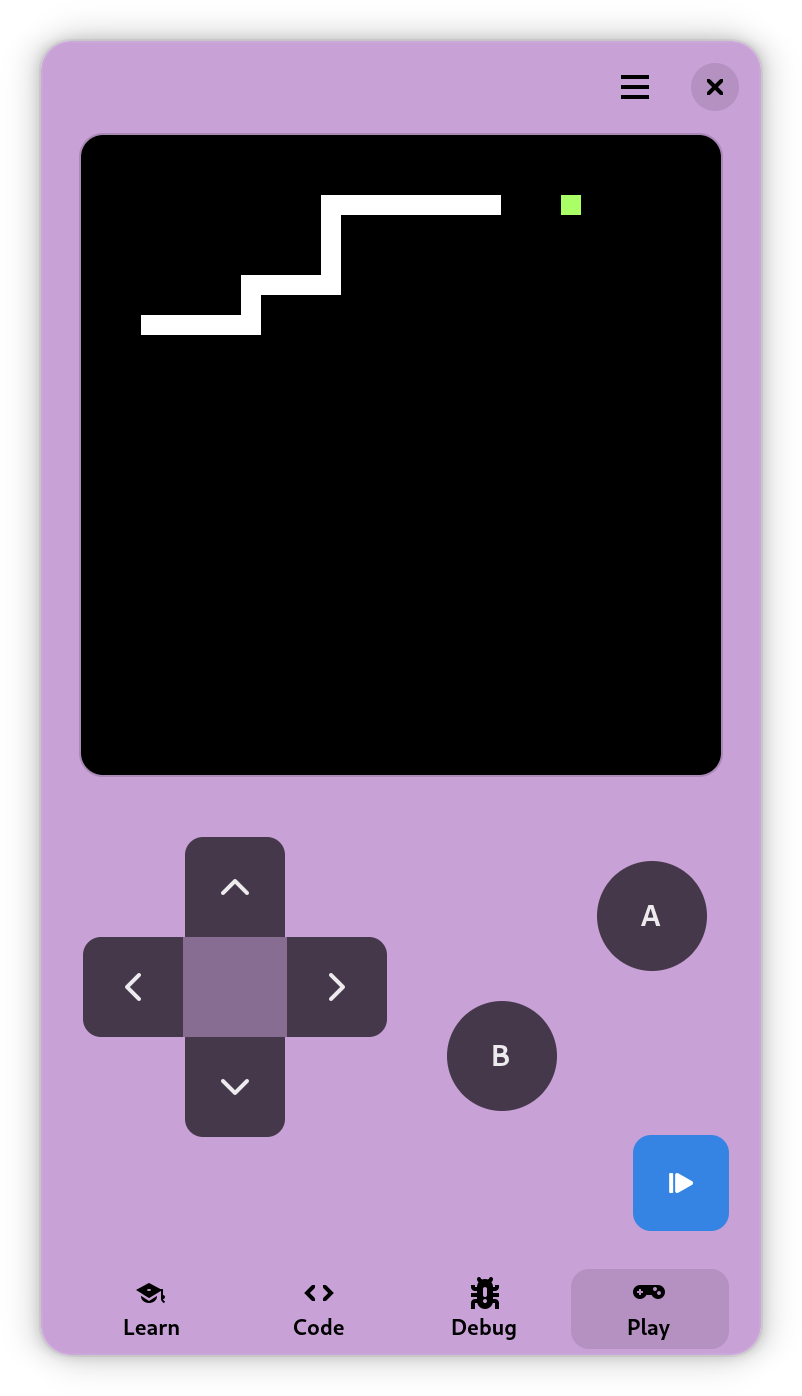
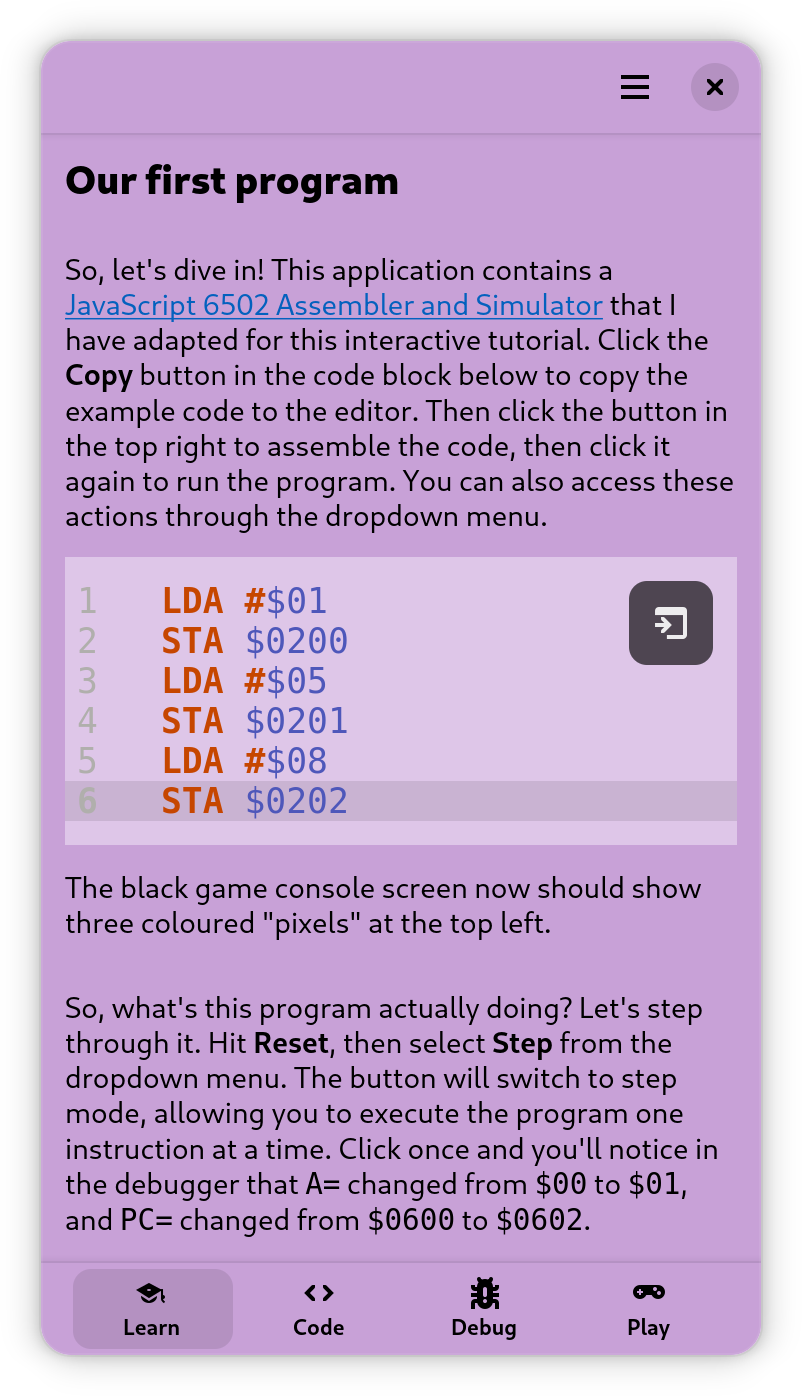
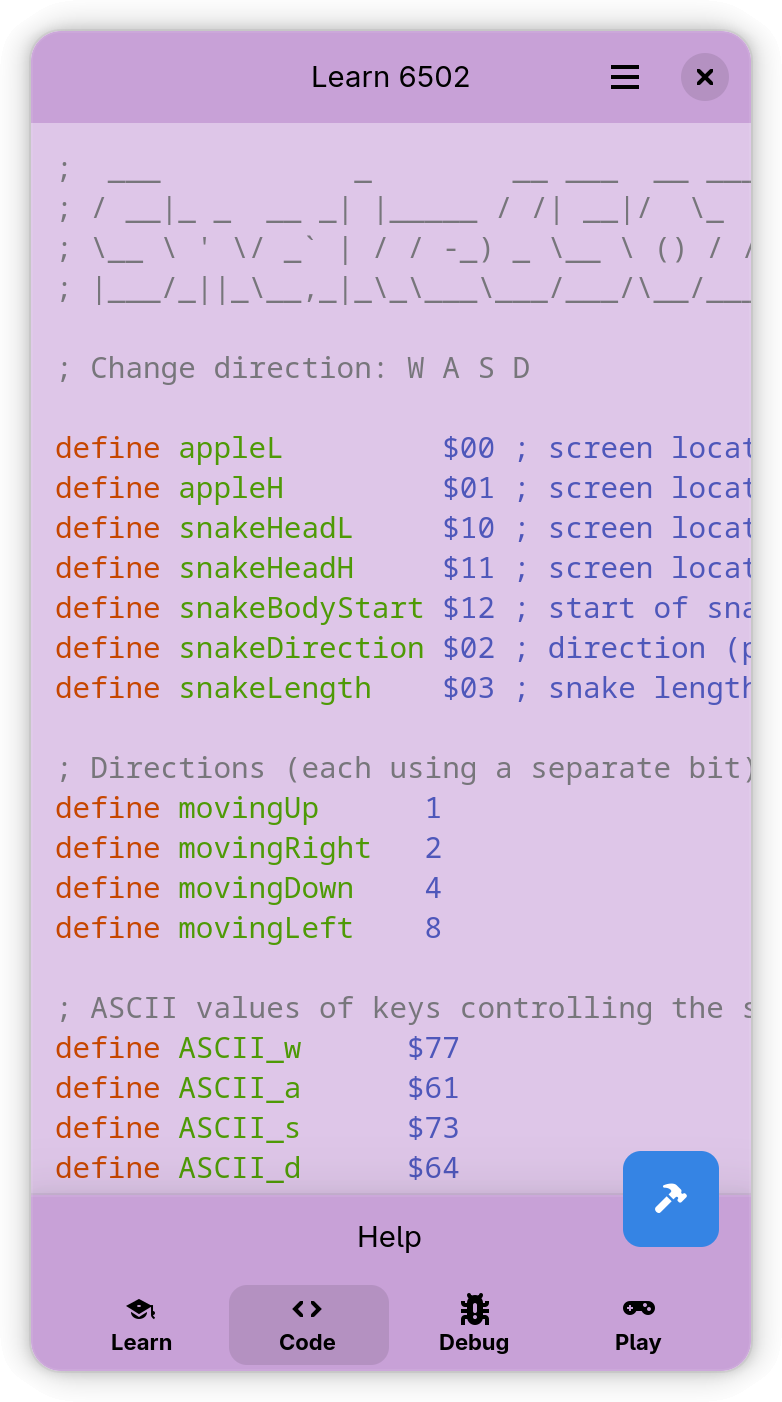
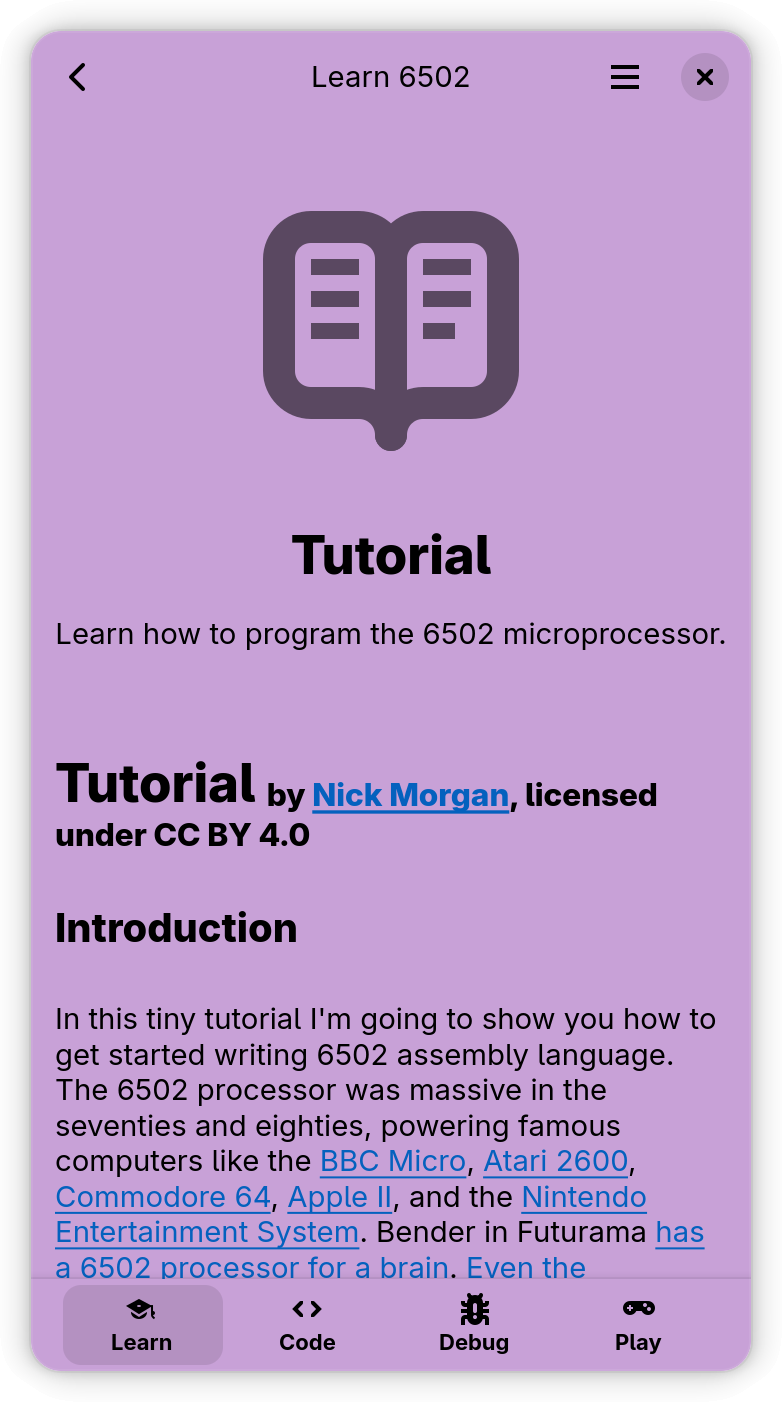
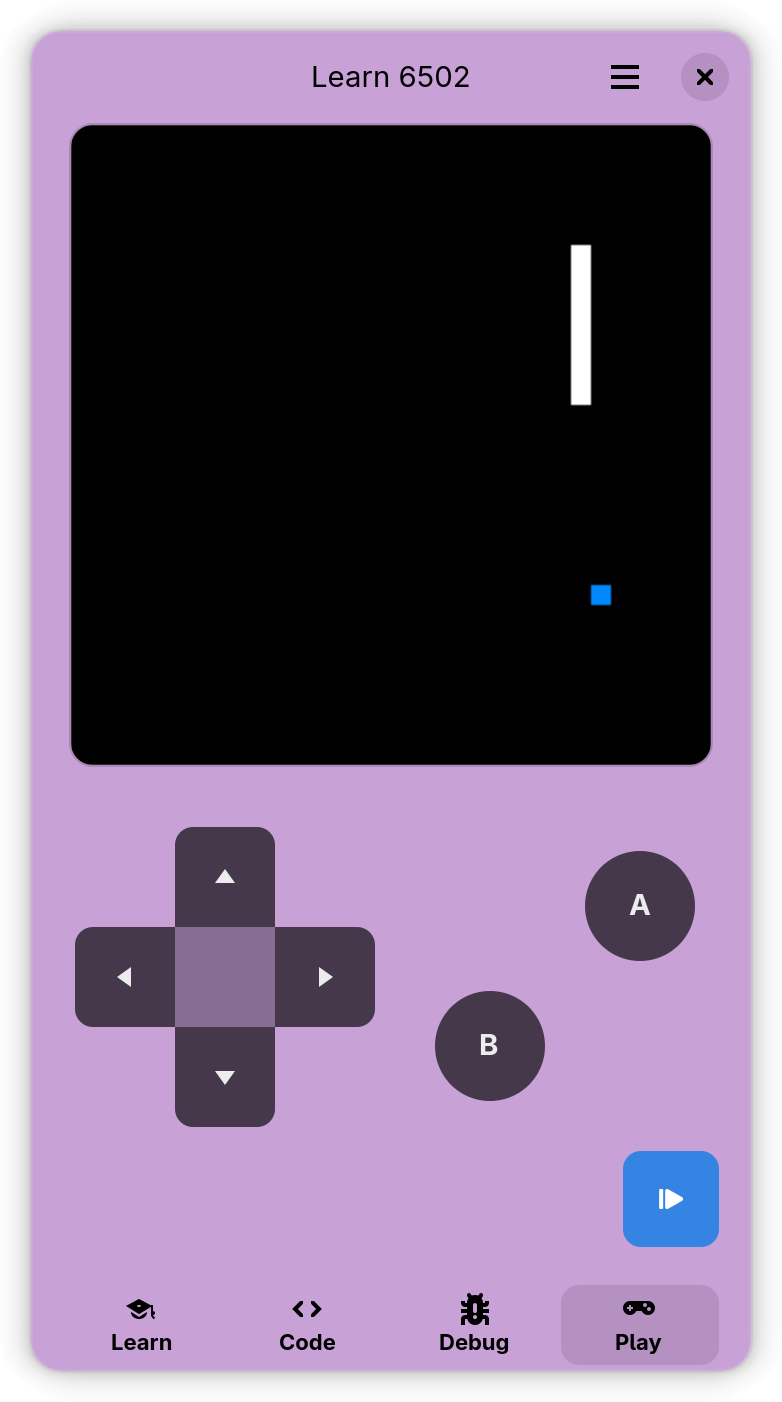
Discover the fascinating world of programming classic computers and game consoles! Learn 6502 assembly language - the same code that powered iconic systems like the NES, Commodore 64, and Apple II.
No prior programming experience needed. Start with interactive lessons and build your skills step by step.
Perfect for hobbyists, students, and anyone curious about how computers really work under the hood!
Learn 6502 now runs on Android. Download the APK from the release page and learn 6502 assembly on your phone, with the same tutorial, editor and game console as on the desktop.
The tutorial opens much faster.
The debugger is off by default.
Screen readers announce the toolbar, header and gamepad buttons.
Text follows the system font size.
The About dialog names the translators.
As always, this release includes many small fixes and improvements.
The examples page lists the example programs again.
Learn 6502 now runs on GNOME 51.
The SBC instruction now subtracts correctly with zero page addressing. Thanks to jeremyw-gh for the fix.
The macOS version is now signed and notarised by Apple and comes as a disk image for Apple silicon and Intel Macs, so it opens without a security warning.
As always, this release includes many small fixes and improvements.
The Android app starts again. It had been crashing on launch before a single screen appeared, and it now runs on the same Adwaita widgets as the desktop version.
As always, this release includes many small fixes and improvements.
Learn 6502 now runs on Windows and macOS too. If you have been wanting to point a friend at it who is not on Linux, you can now do that.
As always, this release includes many small fixes and improvements.
Shalom! We are happy to welcome Hebrew translations, fully contributed by Menachem (naattxx). Toda raba!
Hebrew is also our first right-to-left language: thanks to Menachem's testing and contributions, the app now supports right-to-left layouts, preparing it for more RTL languages.
Selamat datang! We also welcome Indonesian translations, kindly contributed by Arif Budiman. Terima kasih!
As always, this release includes many small fixes and improvements.
Learn 6502 now runs on GNOME 50! Thanks to Sabri Ünal for contributing the runtime update.
Fixed an issue where the back button in the learn section was always visible in desktop and tablet mode, even when no subpage was open.
Under the hood: updated to TypeScript 6, Vite 8, and other dependency upgrades for improved performance and stability.
Tervetuloa! We are happy to welcome Finnish translations, kindly contributed by Jiri Grönroos. Kiitos!
Welcome Vietnamese translation, fully contributed by Loc Huynh (hthienloc).
Welcome Polish translation, initially contributed by Micro Wave. Dziękujemy!
Shared code examples now include CC-BY-4.0 license information, making it clear how the community can use and build upon your contributions.
We've added a new Examples section to the Learn tab where you can explore and run fully-commented 6502 programs right in the app. Start with our featured Snake game example and see how those pixels come to life!
Got your own cool 6502 creation? Share it with the community! You can now submit your code examples directly from within the app. Just hit the share button, and we'll automatically create a GitHub issue and pull request for you.
Learning by example has never been easier. Dive into working code, tweak it, break it, fix it again - that's how the best programmers learned back in the day!
Say hello to many fresh translations: French, Interlingua, Portuguese, Portuguese (Brazil), Dutch, Spanish, Ukrainian, Japanese and Chinese (Simplified)
German and Spanish have been validated by contributors. Other languages are AI‑assisted drafts and need human validation.
If you speak one of the listed languages, please help review or improve the translations. You can contribute via the in‑app links, our translation platform, or by opening an issue.
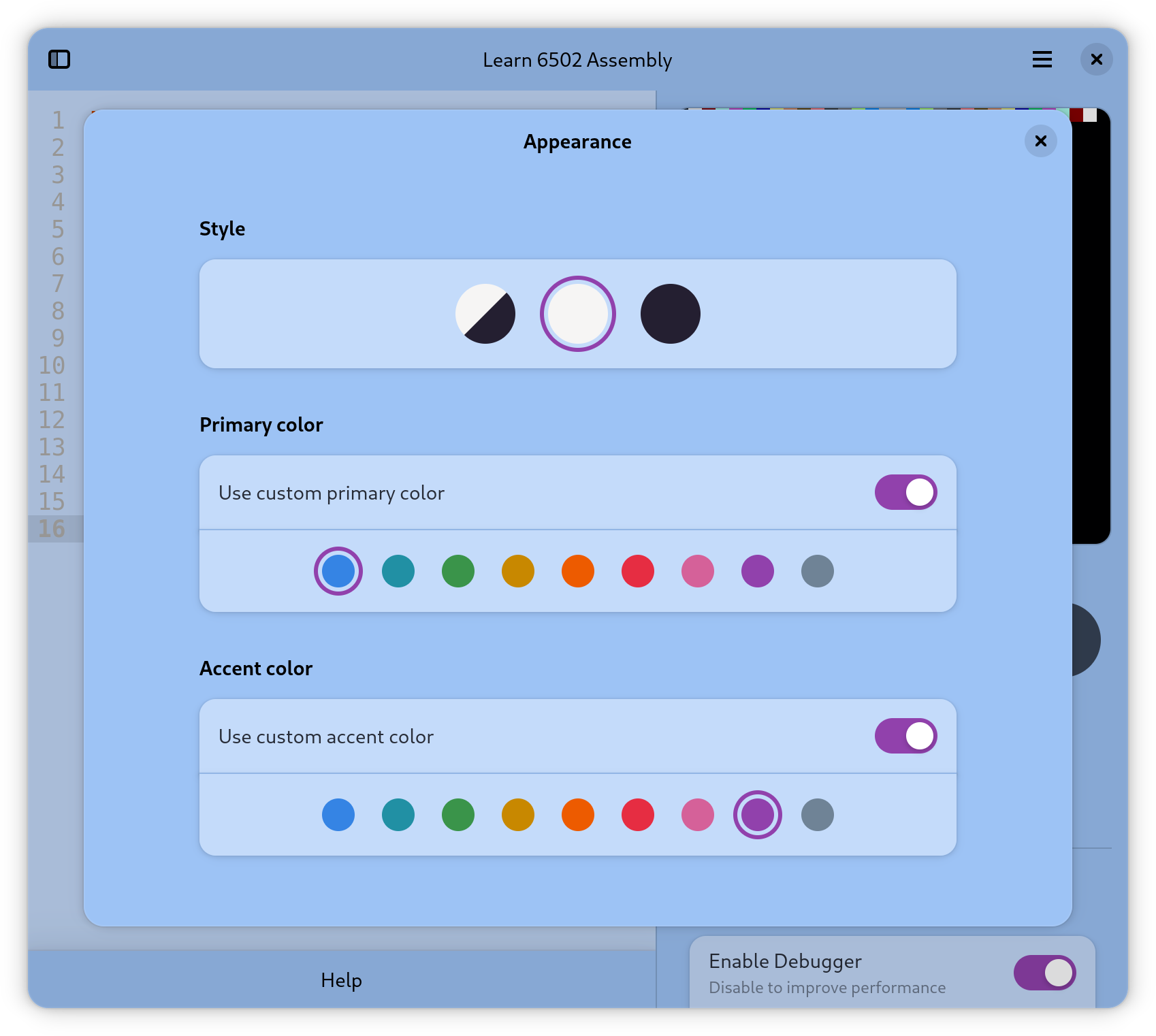
This release brings vibrant handheld-inspired theming with customisable colours. We've introduced adaptive tablet and desktop layouts that keep everything in view, perfect for those marathon coding sessions when learning to develop retro games in assembly. Big thanks to our new contributor @mmartinortiz for the great desktop layout ideas. There are some cool technical improvements too, like TypeScript strictness, custom GtkSourceView style schemes, and enhanced debugger controls for smoother development.
Major UI improvements introducing a modern Floating Action Button with dynamic states for intuitive program control, and a completely redesigned debugger widget using modern Adwaita components.
Architecture enhancements enable better code sharing between GNOME, Web, and Android platforms.
Added help feature to make code editing easier for beginners
Improved game screen and controls for mobile devices
New tools to examine your code, including disassembler and fast switchable memory viewer
Many minor bugs have been fixed to improve overall usabipty
Games now automatically pause when switching between screens
Added file management to save and load your programs
Enhanced app presentation and accessibility
Improved descriptions to be more welcoming for non-technical users
Optimized Flatpak configuration by removing unnecessary permissions
Improved the game console performance for smoother gameplay
Enhanced the hex monitor address range input for easier value editing
Reduced default hex monitor address range for better efficiency
Debugger now only updates when visible, reducing unnecessary processing
Fixed build error on PostmarketOS, improving mobile compatibility
First release of Learn 6502 Assembly for GNOME