
About
Beifahrer lets an AI agent work in the browser you already use, with your tabs and the sites you are logged into, instead of in a second browser it starts for itself.
Four parts, in this order:
- Your agent asks for something, for example to read the page you are looking at.
- The Beifahrer app on your computer takes that request. The app is the bridge between your agent and your browser, and it is the only part your agent talks to.
- The Beifahrer extension in your browser checks the request against the rules you set, and refuses anything they do not cover.
- The browser carries it out, and you watch it happen.
Beifahrer sends nothing out. No account, no telemetry, no server on the internet. The app and the extension talk to each other on your own computer and nowhere else.
You say what the agent may do, and you take it back whenever you want:
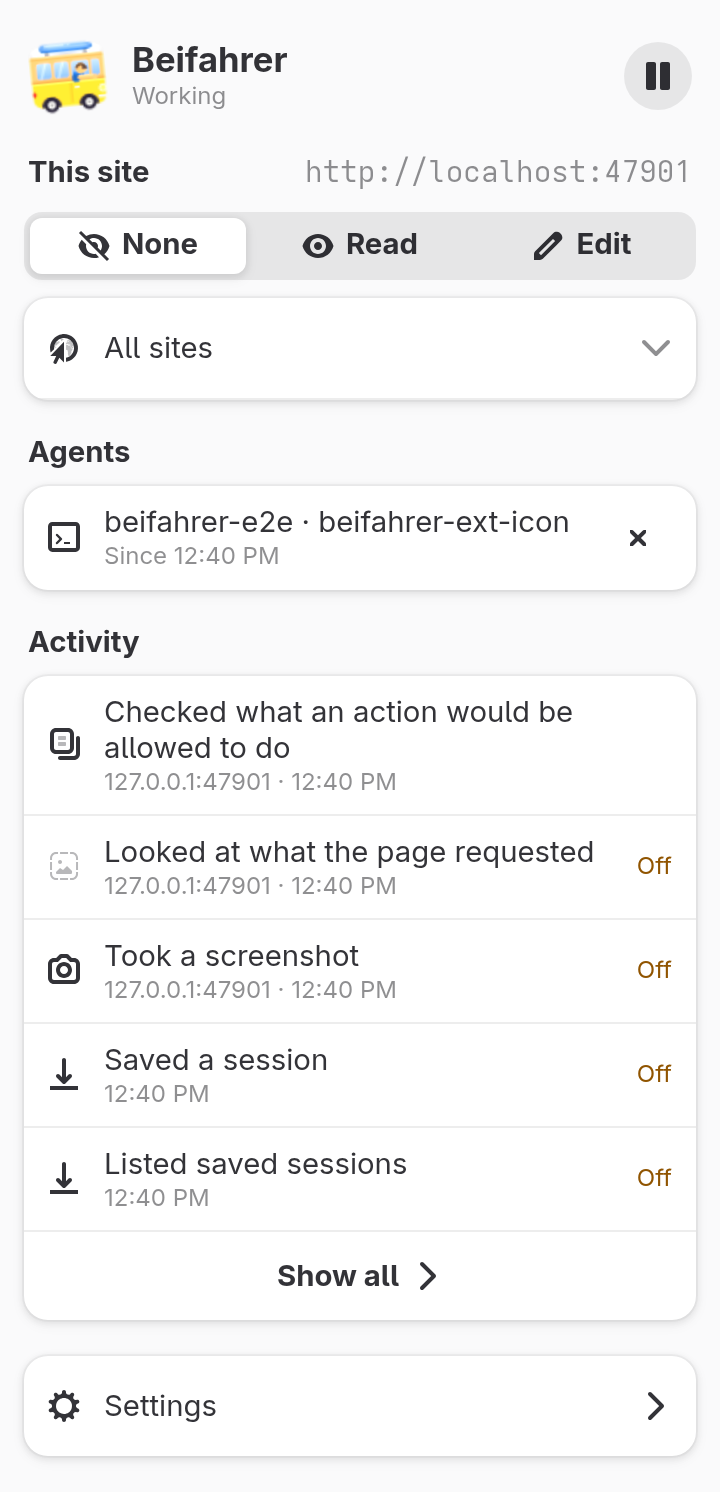
- Set each site to None, Read or Edit. On a site you left at None the agent sees the host name and nothing else, not the title and not the rest of the address.
- Need more for a while? Allow all sites for an hour, until the browser closes, or for this one agent session. No temporary access survives a browser restart.
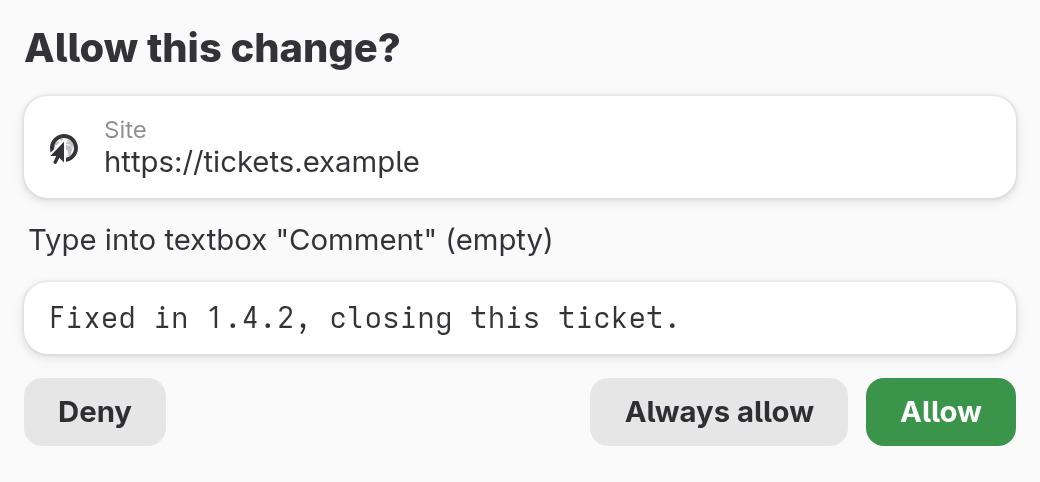
- Before a change, Beifahrer asks. For a filled field or a click, a window names the site and what is about to happen. Before tabs are closed, a window lists them. On a site you trust you can switch the asking off.
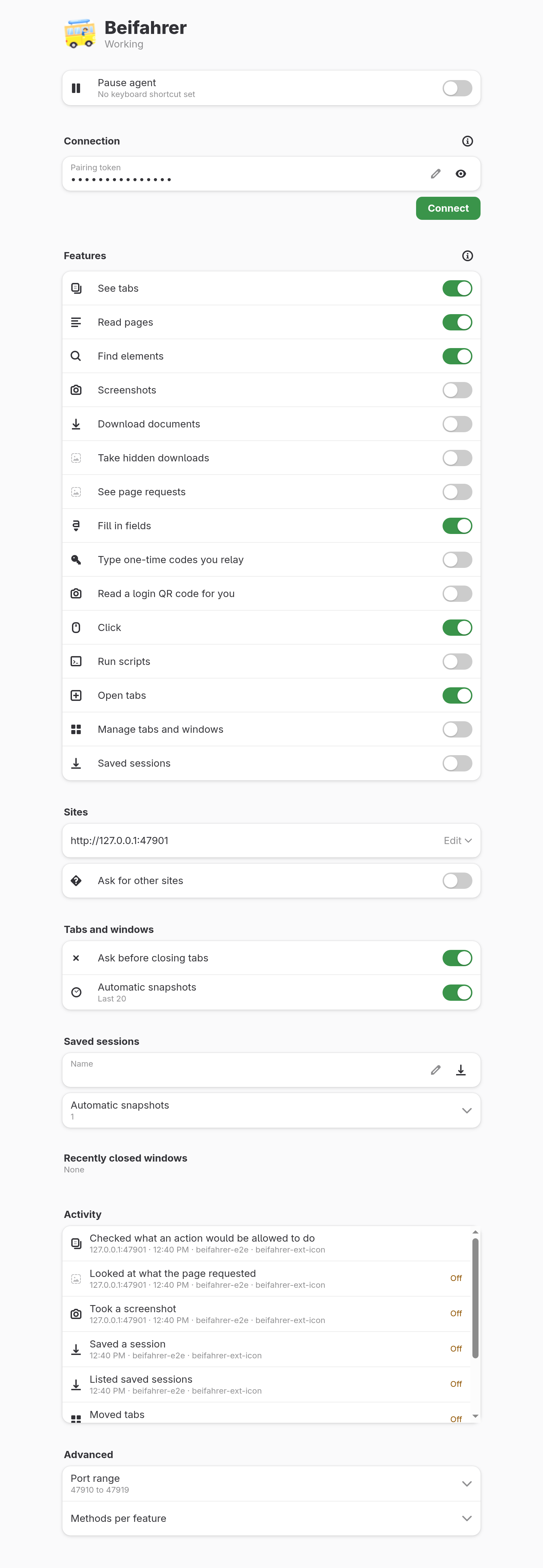
- Pause stops everything, down to listing your open tabs. Only you start it again, in the extension or with a keyboard shortcut.
- You see the agent at work. The toolbar button changes, a small label with a Stop button appears in the page, and the extension lists what the agent did.
- What you did not switch on stays off: screenshots, downloads, saved sessions, tab management, the request log, and running the agent's own code in a page.
Works in Firefox and in Chromium-based browsers.
Data
The extension declares that it collects no data. Read the privacy statement
Works in
- Chromium
- Firefox140.0+
- Edge
- Safari